Piso WiFi Troubleshooting & IP Guide: covers 10.0.0.1 login errors, portal issues, gateway checks, and network fixes for every user.
Piso WiFi Troubleshooting & IP Guide
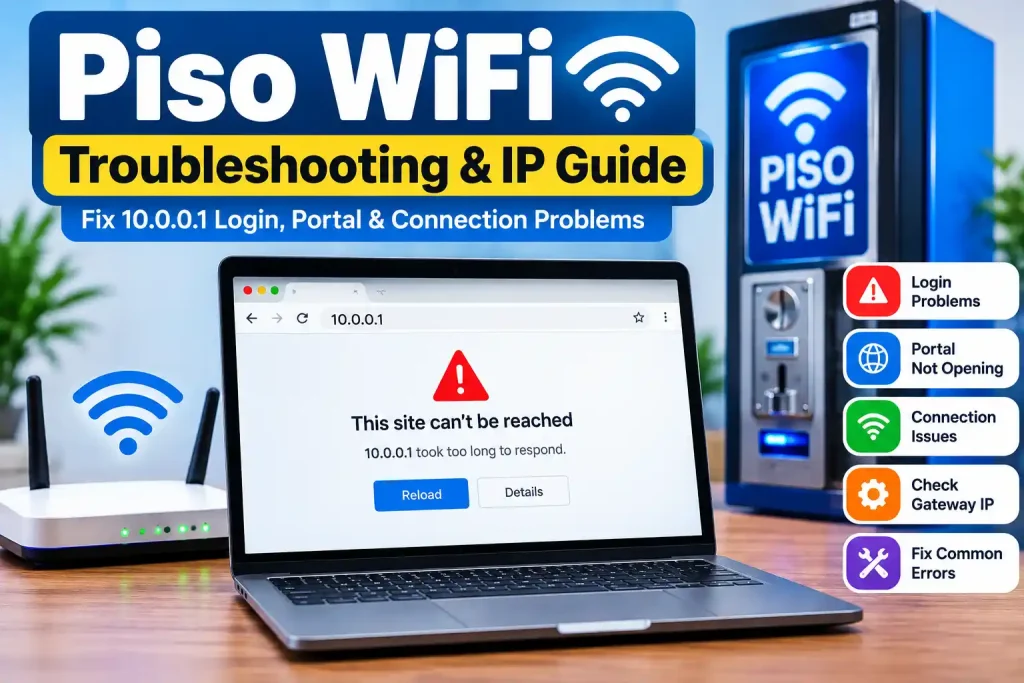
This address may be used to open the Piso WiFi portal, access certain admin settings, or manage network features. If the page does not open or the connection is not working, the problem is often related to the device connection, browser, IP address, or router configuration.
This guide covers the most common Piso WiFi troubleshooting problems and explains what you can check before changing any network settings.
Why Is Piso WiFi Not Working?
If Piso WiFi is not working, first make sure your device is connected to the correct Piso WiFi network. A weak signal or connection to another WiFi network can prevent the local portal from opening.
Other common causes include:
- Incorrect IP address
- No connection to the Piso WiFi network
- Browser cache or DNS issues
- Router or Piso WiFi machine problems
- Portal configuration errors
- Temporary network outages
Try reconnecting to the WiFi network and then open the portal again.
10.0.0.1 Not Opening
If entering 10.0.0.1 in your browser does not open anything, check your network connection first. Your device must normally be connected to the network that uses 10.0.0.1 as its gateway.
Try these steps:
- Connect to the Piso WiFi network.
- Open Chrome, Safari, or another browser.
- Enter http://10.0.0.1 in the address bar.
- Do not search for the address in Google.
- If it still does not open, check your device’s gateway address.
Different Piso WiFi systems can use different configurations, so 10.0.0.1 is not guaranteed to work on every setup.
10.0.0.0.1 vs 10.0.0.1
A common mistake is entering 10.0.0.0.1 instead of 10.0.0.1.
The correct IPv4 address is:
10.0.0.1
An IPv4 address contains four number groups separated by dots. Therefore, 10.0.0.0.1 is not a valid standard IPv4 address.
Always check the address carefully before trying to access the Piso WiFi portal or admin page.
How to Find the Correct Gateway IP
If 10.0.0.1 does not work, your device may be using another gateway address.
On most devices, you can check the network details to find the Default Gateway or Router address. That address is normally the one you should enter in your browser.
If the gateway is different from 10.0.0.1, use the gateway shown by your device instead.
Piso WiFi Portal Not Opening
Sometimes the network is connected but the Piso WiFi portal does not appear automatically. In this situation, open a browser manually and visit the local gateway address.
You can also try:
- Disconnecting and reconnecting to WiFi
- Closing and reopening the browser
- Clearing browser cache
- Turning WiFi off and on
- Trying another browser
- Restarting the device
Avoid repeatedly changing router settings if you are only trying to access the customer portal.
10.0.0.1 Login Problems
If the 10.0.0.1 page opens but the login does not work, make sure you are using the correct credentials for your specific Piso WiFi system.
Do not assume that every Piso WiFi setup has the same username and password. Admin credentials can be changed by the system owner or installer.
If you manage the machine, check your setup documentation before resetting anything.
When to Restart the Piso WiFi System
A restart can help when the network becomes temporarily unresponsive, but it should not be the first solution for every problem.
Before restarting, check whether:
- Other users are also disconnected
- The router has power
- WiFi is visible on nearby devices
- The portal works on another device
- The problem affects only one user
If the entire network is offline, the issue may be with the router, internet connection, or Piso WiFi hardware rather than the browser.
Frequently Asked Questions
What is the Piso WiFi IP address?
Many Piso WiFi setups use 10.0.0.1 as a local gateway, but the exact address depends on the network configuration.
Why can’t I open 10.0.0.1?
Your device may not be connected to the correct network, or the system may use a different gateway address.
Is 10.0.0.0.1 the same as 10.0.0.1?
No. 10.0.0.1 is a valid IPv4 address, while 10.0.0.0.1 contains five number groups and is not a standard IPv4 address.
Can I fix Piso WiFi without changing admin settings?
Yes. Basic checks such as reconnecting to WiFi, restarting the browser, and checking the gateway can solve many access problems without changing configuration.
Conclusion
Most Piso WiFi troubleshooting problems can be narrowed down by checking the WiFi connection, gateway IP, browser, and router status. Start with simple checks before changing admin settings. If 10.0.0.1 does not open, verify the actual gateway address used by your Piso WiFi network.